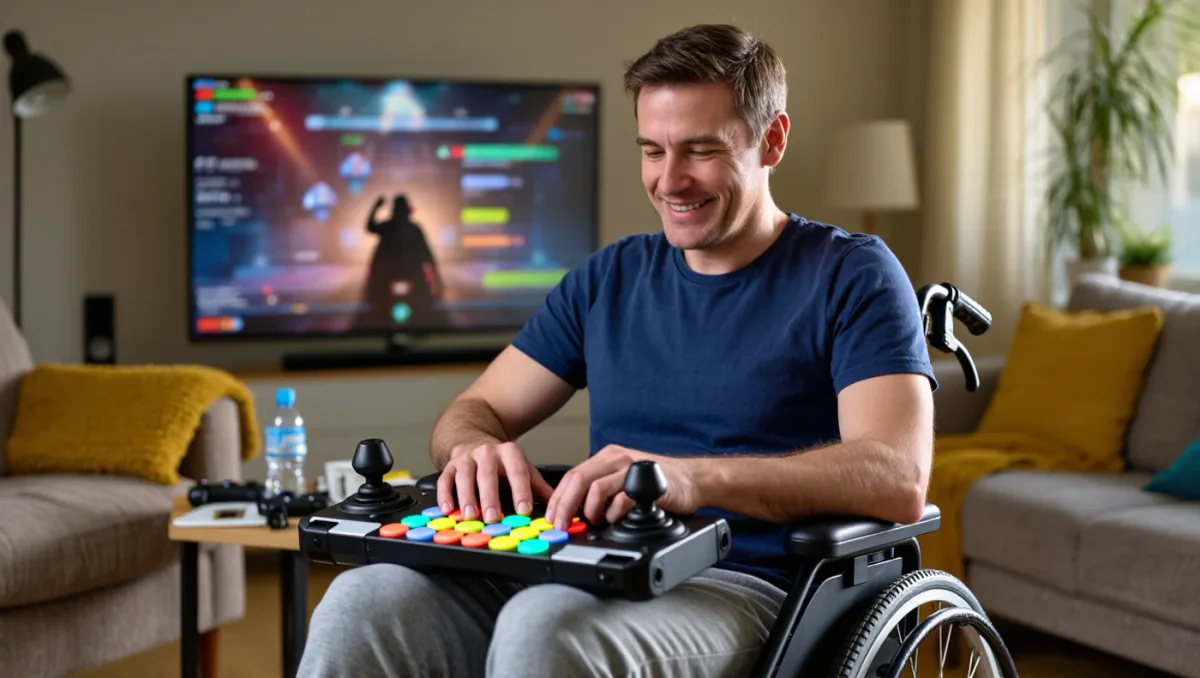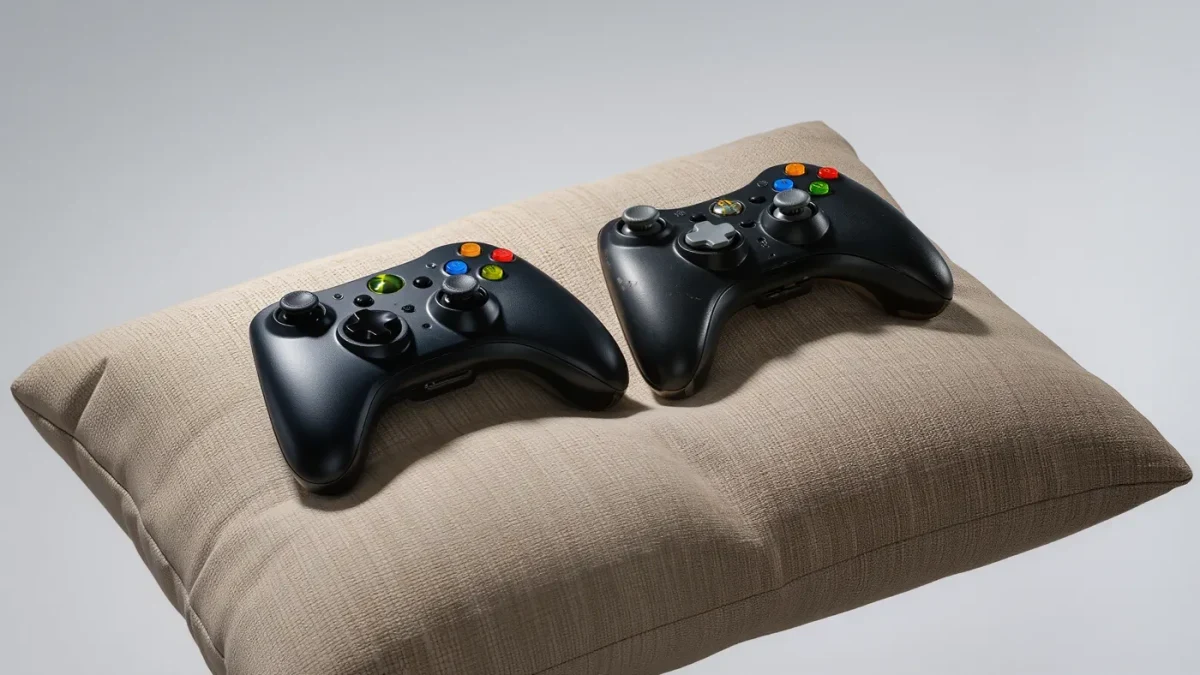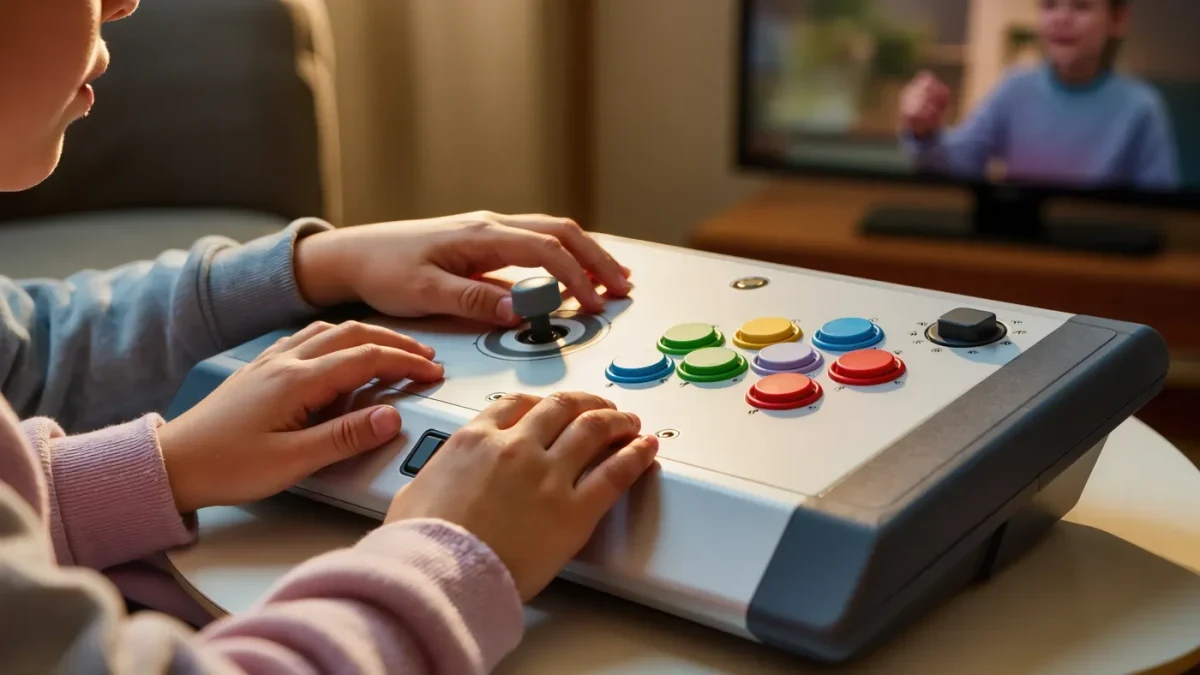
Adaptive controllers are gamepads designed around bodies that standard controllers were not built for, and they have quietly changed what gaming means for disabled children. Microsoft's Xbox Adaptive Controller and Sony's Access controller for PlayStation are real, commercially available products that let you remap buttons, plug in specialized switches, and mount hardware wherever a child's hands actually rest. For many families, the result is a child who can play alongside siblings for the first time.
What makes a controller adaptive?
A standard gamepad assumes two hands with full range of motion, quick reaction times, and comfortable access to a dozen buttons at once. An adaptive controller removes those assumptions. Instead of a fixed shape, it offers large programmable surfaces, ports for external switches and joysticks, and software that reassigns every input so one button can do the work of several. The key idea is modularity: you build the controller around the player rather than training the player around the controller.
Microsoft released the Xbox Adaptive Controller in 2018, a wide, flat hub with two large buttons and a row of ports along the back that accept dozens of compatible switches, buttons, and joysticks from assistive-technology makers. Sony's Access controller, released for PlayStation 5 in 2023, takes a different shape: a circular pad of swappable button caps that can be rearranged, tilted, and combined with external inputs. Both are first-party products, sold by the console makers themselves, which matters because support and compatibility are built into the ecosystem rather than bolted on.
Who benefits beyond wheelchair users?
The common assumption is that adaptive equipment serves a small, specific group, but the actual audience is far wider. Children with limited fine motor control, chronic pain, one-handed play needs, tremor, or stamina limits often cannot sustain a standard grip for a full session. Adaptive setups help by reducing the number of simultaneous inputs, enlarging targets, and allowing play from a resting position. Occupational therapists who work with children have increasingly used games as motivation, and adaptable hardware makes that practical in a clinic or living room alike.
Siblings benefit too. When a household owns one adaptive controller, games with flexible control schemes suddenly become group activities rather than spectacles where one child watches. Many modern games include difficulty and accessibility settings, such as remappable controls, toggle-instead-of-hold options, and aim assistance, that pair well with adaptive hardware. The controller is only half the equation; the software settings complete it.
What should families consider before buying?
Start with the child's needs rather than the product page. Which actions are hard today: holding a grip, pressing small buttons, quick repeated taps, or reaching sticks? The answer points toward specific add-ons, such as large switches, sip-and-puff devices, or mounted joysticks, many of which use standard assistive-technology connections the first-party controllers accept. Then check how the cost structure works: the base adaptive controllers are priced in the same range as premium standard controllers, but switches, mounts, and custom buttons add up, and some families fund setups through insurance, school programs, or disability charities where applicable.
- Match the hardware to the specific movements that are hard, not to a diagnosis.
- Test before buying when possible, at clinics, expos, or adaptive gaming community events.
- Budget for mounts and switches, not just the controller hub itself.
- Pair the hardware with in-game accessibility settings for the best result.
- Ask an occupational therapist familiar with gaming goals for input.
How do the two big controllers differ?
Both products aim at the same goal through different layouts. Microsoft's controller is a low, wide hub designed to sit flat on a table or mount on wheeled trays, with its strength in the sheer number of external devices it accepts. Sony's Access controller emphasizes a compact circular pad whose button layout can be physically rearranged, which suits players who use one hand or limited reach. The right choice usually follows the console your family already owns and the switch ecosystem you plan to build around it, rather than one being universally better. Precise specifications, prices, and accessory compatibility evolve, so consult the official product pages before purchasing.
What about PC and Switch players?
Adaptive gaming is not console-only. The Xbox Adaptive Controller works with Windows PCs, and a broad ecosystem of third-party adaptive joysticks, one-handed keyboards, and button boxes serves PC gamers of all ages. Nintendo's Switch supports a wide range of remapping and, through its accessibility system settings and compatible third-party hardware, can accommodate many adaptive setups as well. Cross-platform accessories exist, but compatibility varies by game, so verify per title when a specific game is the goal.
Where can families try before buying?
Adaptive gaming has grown a public presence, and hands-on opportunities are more common than families expect. Accessibility expos and gaming conventions frequently demo adaptive setups, some children's hospitals and rehabilitation clinics keep controllers on hand, and community groups organized by disabled gamers publish setup guides and hold online sessions. Libraries and school assistive-technology programs occasionally stock equipment too. A single afternoon with a demo unit answers more questions than any product listing, because the real test is always whether a specific child, in a specific chair, with a specific game, can reach the fun without strain.
The short version
Adaptive controllers turned an assumption, that gaming requires a standard body and a standard grip, into an option rather than a rule. If a child in your life plays badly, painfully, or not at all on a standard gamepad, an adaptive setup may be the missing piece, and it is now a shelf product rather than a custom project.