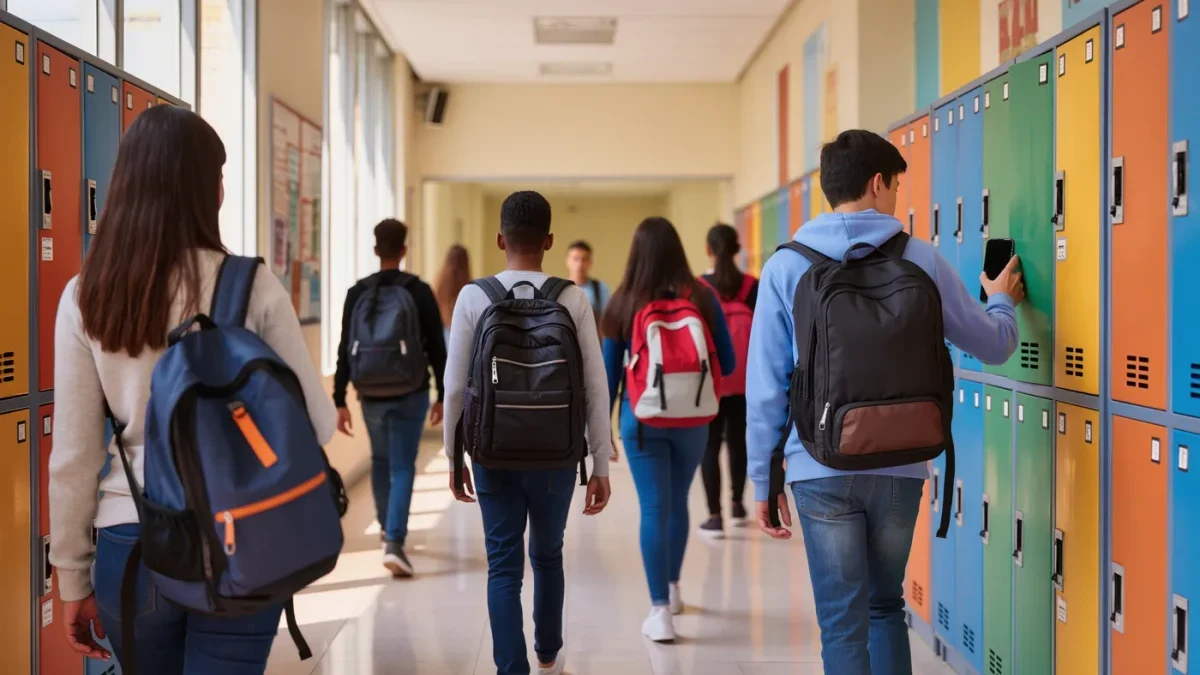
A one-to-one program means the school issues a tablet or laptop to every student for the year, replacing shared computer labs with a device that travels home in the backpack. Thousands of U.S. districts have adopted some version of it, accelerated by the pandemic-era rush to remote learning. The programs work well when families know what is being collected, filtered, and expected at home — so here are the questions worth asking. This is information, not legal advice.
What is a one-to-one device program?
It is a school-managed program in which each student receives a district-owned device, usually a tablet in earlier grades and a laptop later on, preloaded with the apps and accounts the school uses. Students typically return devices at year end for re-imaging. The district controls the administrative settings — which apps install, which sites the filter blocks, and what usage the device reports back — regardless of whose living room it sits in. That last part is what most families do not realize until something surprises them.
What should parents ask before signing the agreement?
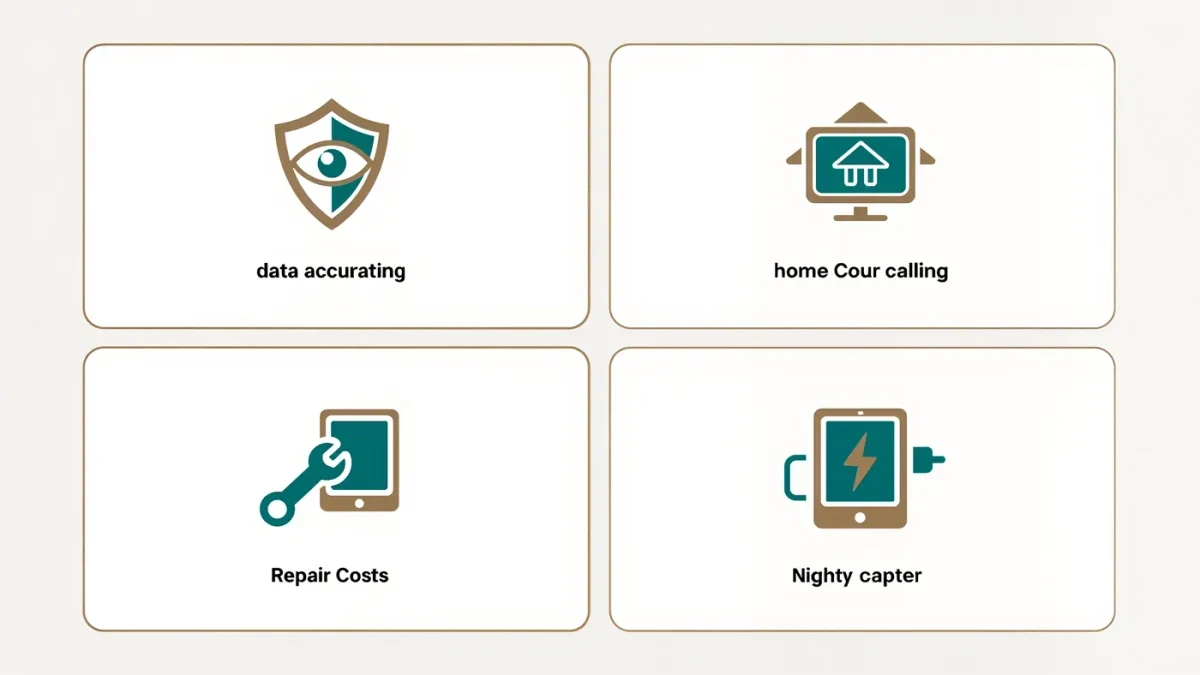
- What does the device report — browsing history, app use, location, keystrokes?
- What is the filter policy at home versus at school?
- Who pays for a cracked screen, a lost charger, or theft?
- Can my child install anything, or is everything locked?
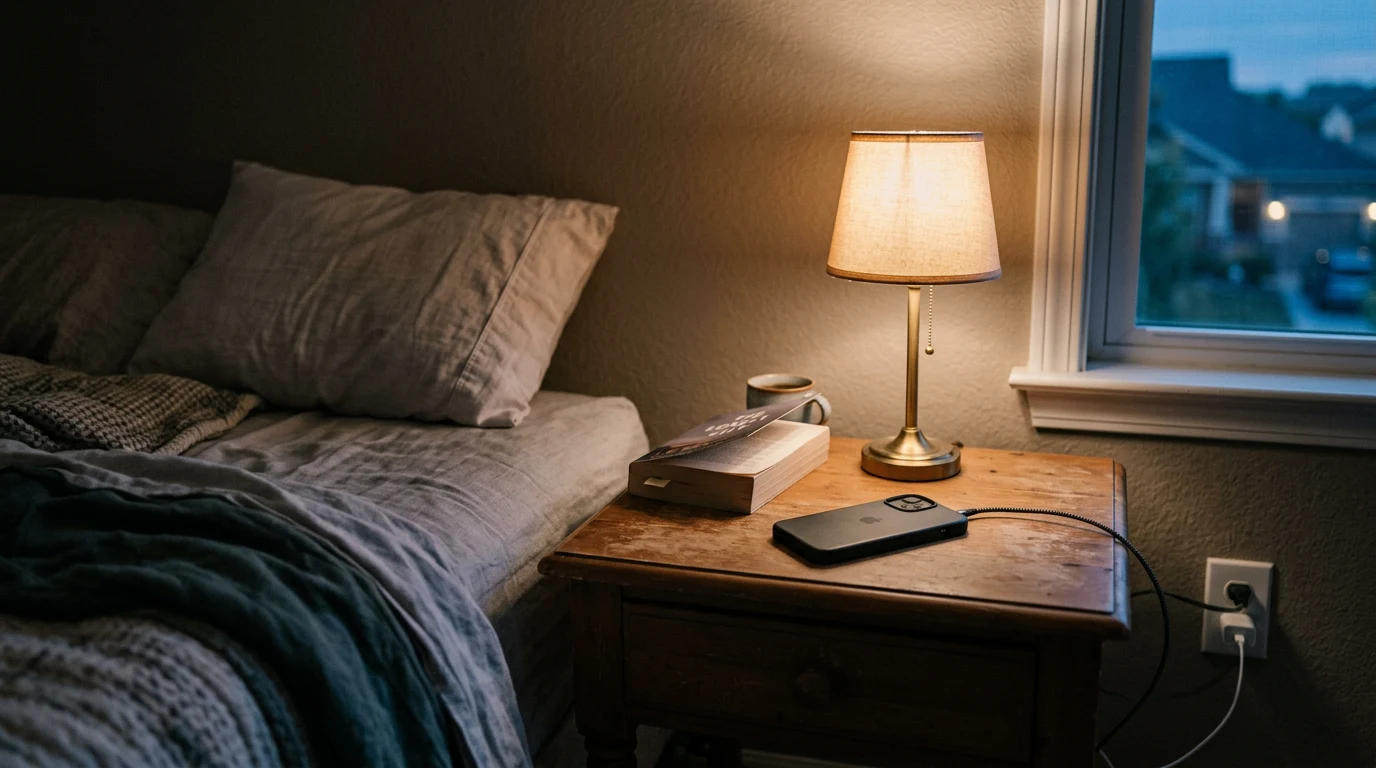
- What is the expected nightly routine — charging, homework hours, storage?
What about privacy and student data?
This is the area with actual law behind it. Federal student privacy protections limit how schools and their technology vendors may use student data — the Family Educational Rights and Privacy Act of 1974 governs education records, and the Children's Online Privacy Protection Act of 1998 covers online services collecting data from children under 13. Districts are expected to contract with vendors under these rules, and many publish a list of approved apps for exactly this reason. The practical move for parents is reading the district's acceptable-use policy before signing, because it states what the school monitors in plain terms.
What happens when the device breaks?
Routine, mostly, but the routine varies by district. Most programs offer an optional insurance fee at checkout, with a deductible or repair cost without it; normal wear is usually covered and negligence is not. Families with concerns should ask two specific things: the exact cost of the most common repair (a cracked screen), and whether a damaged device pauses your child's access to coursework while it is fixed. Lost chargers are the number-one line item in most households, and replacement policies differ wildly.
A brief history of the model
One-to-one programs predate the pandemic by two decades — Maine issued tablets to middle schoolers statewide as early as 2002 — but remote learning in 2020 turned a boutique idea into standard infrastructure, funded largely by federal relief spending on devices and connectivity. That origin explains both the strength of today's programs (every student has hardware) and their weak points (ongoing costs, refresh cycles, and home-filter expectations that were designed in a hurry). Districts are still working through the refresh part, which is why repair and replacement terms keep changing.
The e-textbook question
Many programs replace textbooks with digital versions on the tablet, and the trade-offs are real. Digital texts update instantly, weigh nothing, and can read themselves aloud — genuinely useful features for some learners. They also demand the device for every assignment, embed video that can extend homework time invisibly, and make skimming harder for readers who have not practiced it on screens. Asking which subjects still keep a paper option gives you a fuller picture than the enrollment packet does.
What younger students need differently
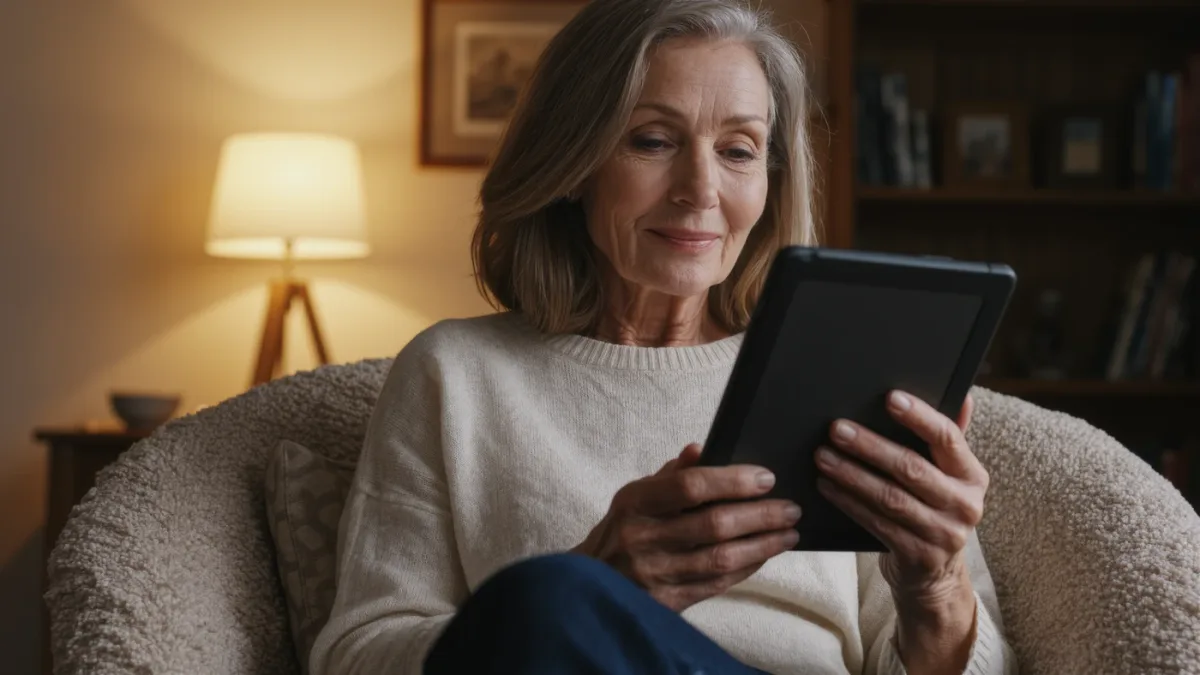
Elementary one-to-one programs usually keep the tablets at school, which removes most of the home questions entirely. Where younger children do take devices home, the load is lighter — reading apps and math practice rather than full course portals — and the home routine matters more than the policy details. A consistent "tablet lives on the kitchen counter" rule does more for a second grader than any filter setting, because at that age the supervision is the feature.
How do families handle screen balance at home?
The device arriving daily blurs the line between school work and free time, and parents are right to want the boundary back. Approaches that hold up well: a set charging spot outside the bedroom overnight, a homework window after which the tablet goes back on the charger, and clarity about which activities count as school (assigned apps) versus everything else. Sleep researchers are consistent that devices charging in bedrooms undermine rest, and most districts quietly agree — many schools disable devices overnight or set quiet hours centrally, a fact worth confirming about your own program. Whether tablets appear at your dinner table is your family's call.
What if the program is not working for your child?
Say so early and specifically. Some children manage better with paper for certain subjects, and accommodations exist — ask whether assignments can be completed on paper or printed at school. If the device is being used for hours beyond homework, ask the teacher what assigned work actually requires, because the honest answer is often shorter than the session. Schools running mature programs have heard all of this and generally prefer specific complaints to quiet noncompliance.
Questions for the teacher, not just the district
- Which apps are core, and which are optional?
- How much homework genuinely requires the device each night?
- How will I know what my child completed on it?
- Is there a paper fallback when the tablet is broken or charging?
A school tablet is a tool your family borrows for nine months, not a lifestyle purchase. The programs succeed in districts where parents treat the agreement as a real contract — read once, questioned where unclear, and revisited when the child's habits change.