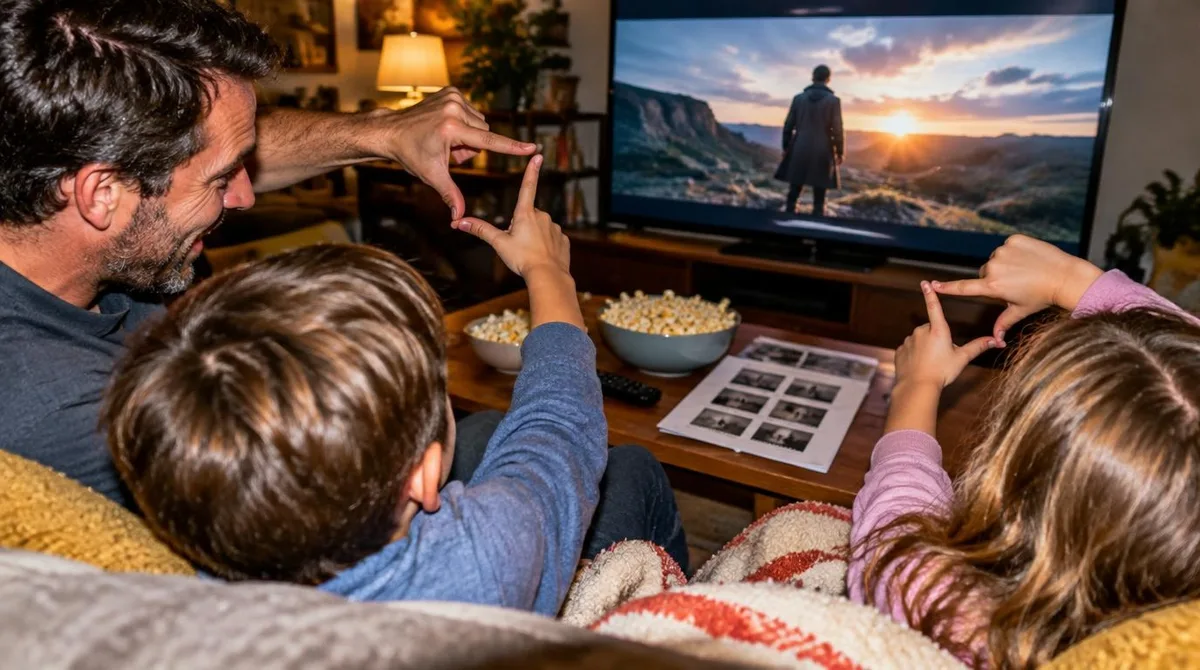
When your child opens a streaming app or a video platform, the queue they see is not a neutral shelf. It is a ranked list, built by a recommendation system that guesses, from past behavior, what will keep them watching. The honest version for parents: these systems can surface genuinely good, age-appropriate material, and the same design choices that make them helpful also make them sticky.
Nothing here requires fear, and none of it requires surrender. Understanding the mechanics puts the useful levers back in your hands. This article is information, not parenting advice; what you do with it remains your family's call.
What does "behind the algorithm" actually mean?
The phrase sounds technical, but the vocabulary is ordinary. According to Cambridge Dictionary, "behind" simply means in or to the back of something — which is exactly where the algorithm sits: at the back of the screen, out of view, deciding the order of what appears in front. An algorithm, in plain terms, is a set of rules a computer follows to sort and rank things. A recommendation algorithm sorts the platform's catalog and ranks it for one specific viewer.
That ranking is personal. Two children in the same house, on the same account type, can see different rows. The system is not judging quality. It is estimating watch probability.
What signals feed a child's recommendation queue?
Recommendation systems learn from behavior. The signals are usually things like these.
- Watch history. What was played, how long it was played, and whether it was finished.
- Searches and clicks. What was typed or tapped, even briefly.
- Time of day and session length. Patterns in when viewing happens and how long it lasts.
- Similar viewers. What other accounts with comparable habits watched next.
One signal deserves special attention: completion. A video watched to the end counts more than one abandoned after a minute. That gives the system a strong incentive to favor short, fast-paced material that holds attention, regardless of whether it is the richest thing on the platform.
On social-video platforms, the loop tightens further. An "algorithmic feed" — a feed assembled by the computer rather than by people you follow — can serve a new video every few seconds, each one tuned by the reaction to the last. Our guide to how YouTube Kids actually works in 2026 walks through how one platform's kid-specific version of this operates, and our piece on livestreaming and kids covers the real-time version, where no recommendation can be previewed in advance.
What are the designed-for-engagement tactics?
Platforms are businesses, and their recommendation systems are tuned toward engagement: more watching, more sessions, more return visits. Several common tactics follow from that goal.
- Autoplay. The next episode or video starts without a decision from your child. The system removes the natural pause point.
- Endless feeds. There is no bottom to the list, so there is no built-in stopping moment.
- Personalized rows with urgency. Phrases like "because you watched" or countdown framing make the queue feel like a to-do list rather than a menu.
- Streaks and notifications. On some platforms, badges and alerts reward coming back daily.
None of these tactics is hidden, exactly. But they are designed, and the design goal is the platform's, not the family's. Naming that plainly is half the media-literacy work. Our toy tie-ins media-literacy lesson applies the same move to advertising; the same conversation works for recommendation rows.
Where do recommendations actually help kids?
The same machinery has real upsides, and it is worth saying so without qualification-dodging.
A well-tuned kids profile can surface educational series, documentaries, and creative content a child would never find by browsing a huge catalog alone. It can match a child's current interest — dinosaurs, animation, how things are built — with genuinely substantive material on that interest. It can also keep the queue inside an age-filtered catalog, so the ranking happens within a smaller, safer pool rather than across everything the platform hosts. This connects to our earlier piece, Livestreaming and Kids: What Parents Need to Know About Real-Time Content.
That last point matters most. The order of recommendations is far less consequential than the pool they are drawn from. Our comparison of kids' profiles across streaming services looks at how different platforms set that pool, and our guide to family movies of 2026 offers a planning-first alternative to letting the queue decide.
What can parents actually do?
You cannot see the ranking formula. You can shape its inputs and its boundaries. Practical steps, in rough order of leverage:
- Use the dedicated kids profile or kids app. This constrains the pool before ranking begins.
- Turn off autoplay where the setting exists. This restores the pause point the design removed.
- Co-watch early and often. What you watch together becomes part of the signal, deliberately.
- Watch for feedback loops. If the queue narrows to one type of content, a deliberate search for something different can widen it.
- Talk about it by name. Even young children can grasp "the app guesses what you like, and you can teach it."
That last step is the durable one. A child who understands that the queue is a guess — and a guess trained on their behavior — is better placed to treat every screen the same way, whether it is a streaming service, a game store, or a feed. The skill transfers.
What this means for your family
The evidence base here is mostly about mechanism, not outcomes: we know how these systems are built and what they optimize for, and the long-term effects of growing up inside a personalized feed are still being studied. So hold the conclusions loosely.
What is established: recommendation queues are behavioral rankings, tuned for engagement, and shaped by the settings a family chooses. What named experts and platform policies generally support: constrained kids profiles, parental controls, and open conversation. What remains the family's call: how much personalization to allow, at what ages, and where the stopping points live in your house.
The queue will keep filling itself. It fills better — and matters less — when the person holding the remote understands what is behind it.