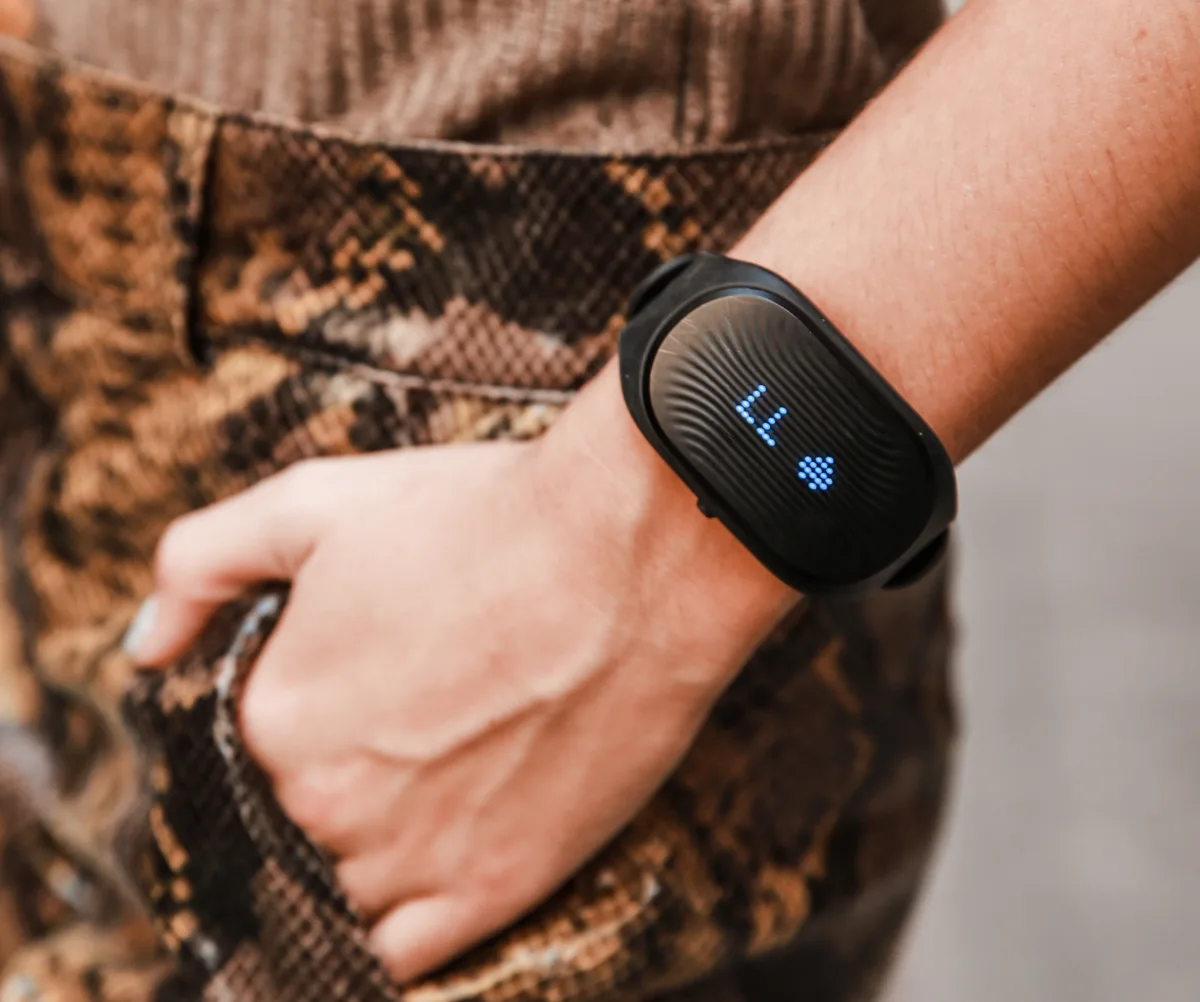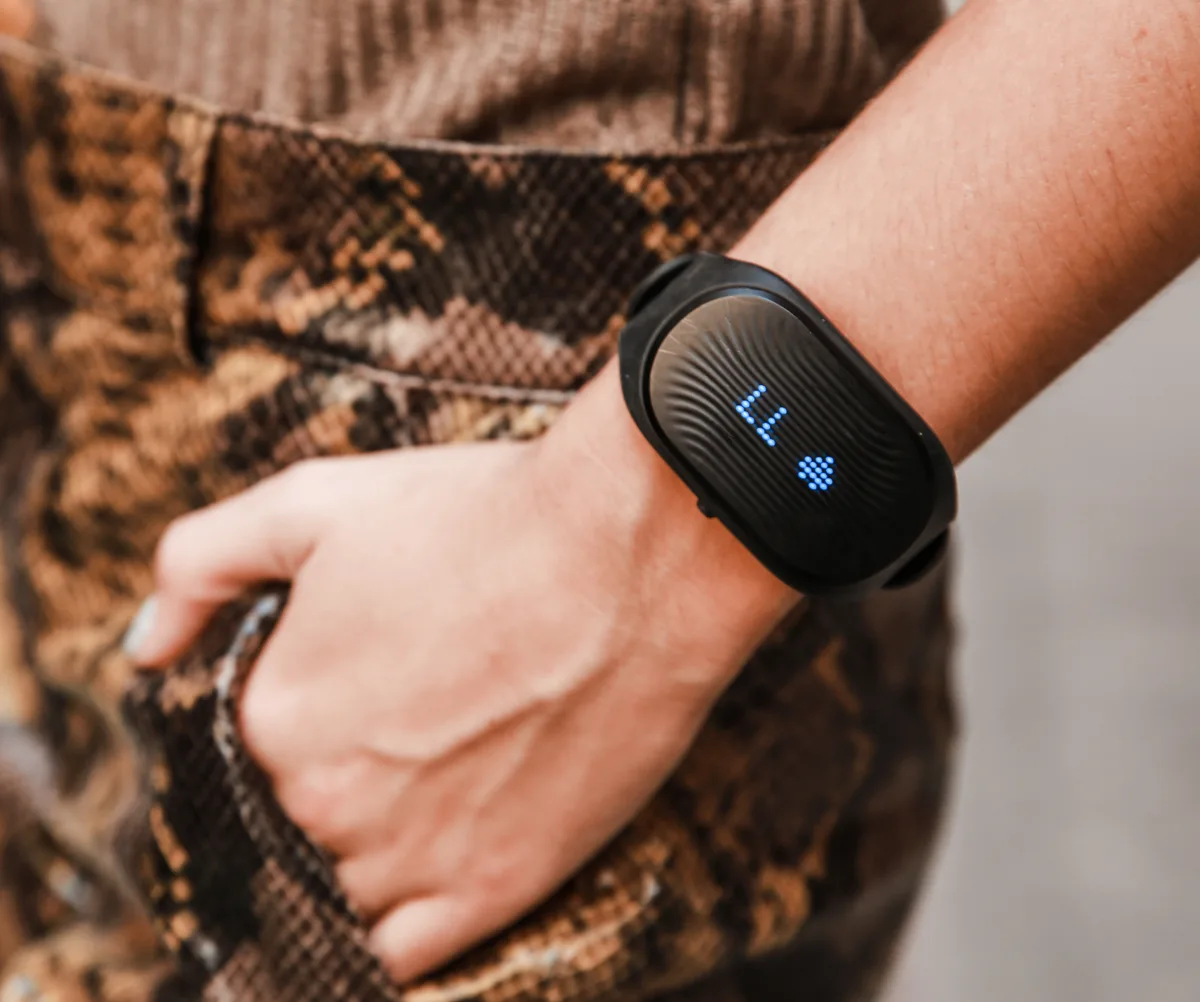
Most kids' fitness apps help at the edges and hype in the middle. The evidence-based target is clear: children aged six to seventeen need about an hour of moderate-to-vigorous physical activity daily, according to the Physical Activity Guidelines for Americans issued by US health agencies, and most children fall short. No app replaces play, movement variety, or an active adult nearby — but step counters, movement games, and family challenges can nudge. What to avoid matters just as much: adult-style metrics, calorie framing, and weight tracking have no place in a child's app.
What actually helps kids move more?
The features that work share one thing: they get the body moving now, not later. Movement games that use the camera or accelerometer to make the child the controller — dance-alongs, scavenger hunts, yoga adventures — turn a screen into a prompt rather than a destination. Family challenge features help when the whole household competes on steps or weekend activity, because children's activity levels track the adults' far more than any design trick. Timers and streaks help modestly for children who already like goals. The common thread in research on children's physical activity: fun and social contact drive movement, and tracking only measures it — a distinction most app marketing quietly blurs.
What's hype worth skipping?
A short list covers most of it. Calorie counts and food tracking in a child's app — unnecessary and potentially harmful, since diet-tracking features are associated with disordered eating patterns, especially in adolescents. Adult-style workout plans and body metrics delivered to kids copy grown-up fitness culture without child-development logic. Badges and leaderboards ranking children against strangers add social comparison without movement. And any subscription promising to fix childhood fitness through a phone is selling to parental guilt. A useful test: does the app make the child move, or does it make the child look at the screen? If the honest answer is the second, skip it.
What about step counters for kids?
Step counters are the most popular entry point and the most double-edged. On the helpful side, a visible count gives some children a game — beating yesterday, racing a parent — and that works when it stays playful and optional. On the risk side, step goals can turn rigid: children prone to perfectionism may fixate on closing rings, and competitive kids may over-do. Guidelines matter here — adult step targets should never be transplanted to children — and so does watching for distress when a streak breaks. If your child cries over a missed goal, the counter has stopped helping. Most families do best with step features embedded in a family challenge rather than on a child's own wrist with their own goals.
Are fitness video games real exercise?
Some are, and the honest label is "light-to-moderate activity that beats the sofa." Active video games — dance titles, camera-based sports, rhythm games — raise heart rate meaningfully, and studies have found they can contribute to daily activity, particularly on days when outdoor options fail. They are generally less intense than free play or sport, and novelty fades, so they work best as one tool in a rotation: the rainy-day option, not the plan. Where they genuinely shine is lowering the barrier for children who feel self-conscious in sport — a living room has no audience. If a game gets a sedentary child sweating and laughing, it counts, whatever the purists say.
How do we use these apps as a family?
Anchor the app to a family habit rather than a child's solo routine. A shared challenge where every member logs movement — walks, swims, playground time, dance sessions — makes the screen a scoreboard for real life. Keep goals collective and modest, celebrate participation rather than performance, and let children pick the weekend activity the app tracks. Model it visibly: children with active parents are consistently more active themselves, a finding that dwarfs any app feature. And keep the whole thing lightweight — if the app starts generating arguments or anxiety, drop it and keep the walks. The app is the scoreboard, never the sport.
What does an age-appropriate routine look like?
Apps aside, the shape of healthy activity changes with age. Preschoolers need free play all day — running, climbing, chasing — with no tracking at all. Elementary-age children do best with variety: play, bike-riding, swimming, playground time, and early sport sampled rather than specialized. Teens drift toward structured activity and need deliberate protection of it as school demands grow. Across all ages, two anchors hold: daily outdoor time and at least one adult who moves with them. An app that supports those anchors earns its place on the home screen; one that competes with them does not, whatever its ratings say.
What red flags should make us delete one?
Delete or block purchases when an app shows weight and BMI prominently to the child, pushes calorie goals, uses before-and-after bodies in marketing to kids, opens chat with strangers, or nags with notifications when the child is at school or late evening. Also watch for streak-mechanics with loss aversion — "you'll lose your 47-day streak" — aimed at children, which manufactures anxiety rather than health. If your child begins hiding app use, restricting food alongside it, or expressing body dissatisfaction, step in early and consider talking with a pediatrician. That is the moment the category stops being harmless.